Skip to content

Mr Sutherland · Applications & teaching resources

Applications and resources
for the classroom.

Explore maths practice, stop-motion animation, timetabling, reading activities, teaching collections and classroom presentations.

Flagship applications

Mathematics · Prep–Year 6

Maths Command Station

Maths practice bays, assessment missions and achievements.

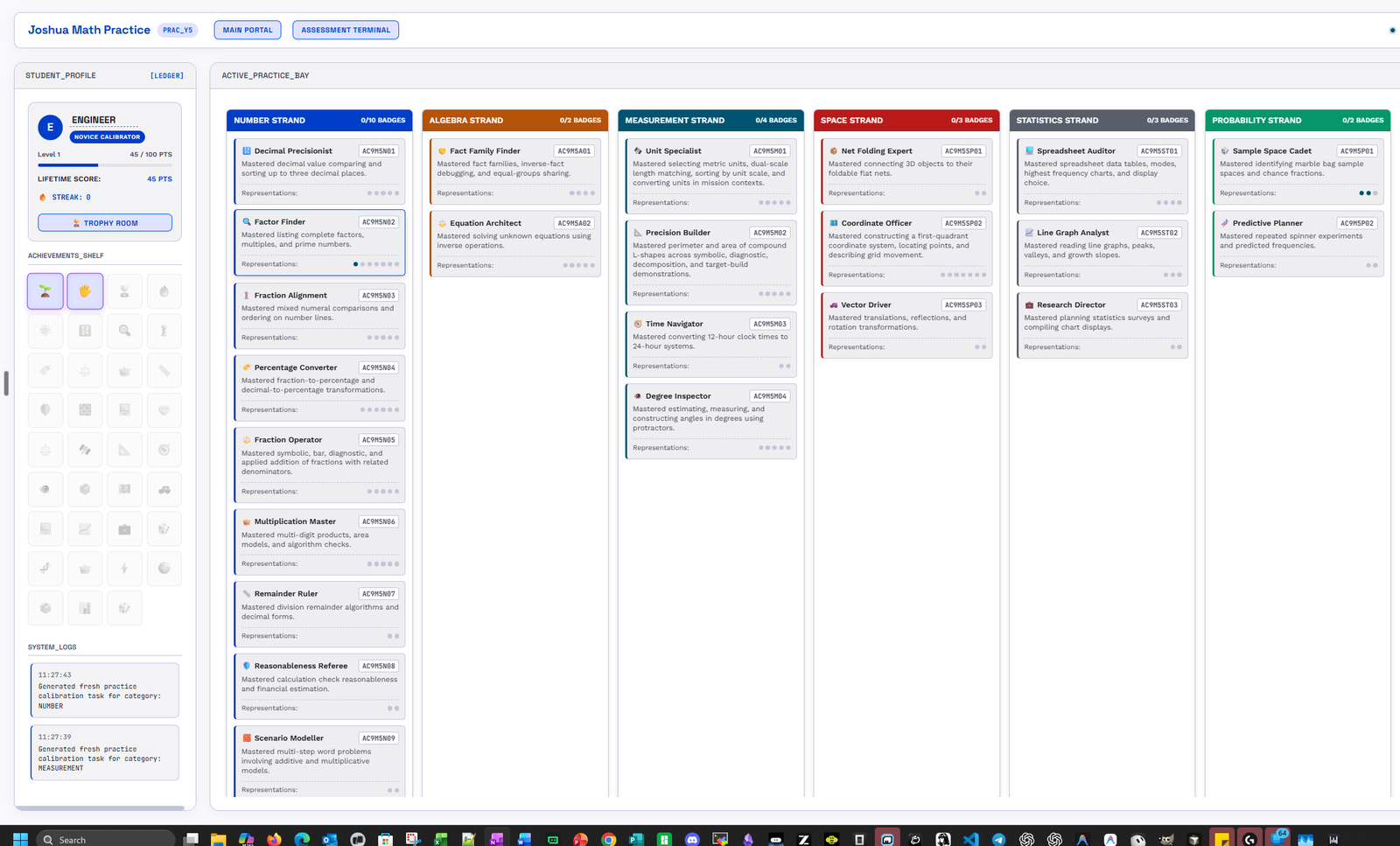
Maths Command Station brings maths practice and assessment together in a space-command interface. Students select a year level and topic, work through practice bays and assessment missions, and view their ranks, streaks and badges in the Trophy Room.

  • Practice by year and topic
  • Assessment missions
  • Ranks and streaks
  • Trophy Room achievements
Maths Command Station student practice bay, with a profile, achievements and maths topic columns
The student practice bay. Select the image to view it at full size.

Media arts · Animation studio

Raynah Stop Motion

Stop-motion animation with audio and effects.

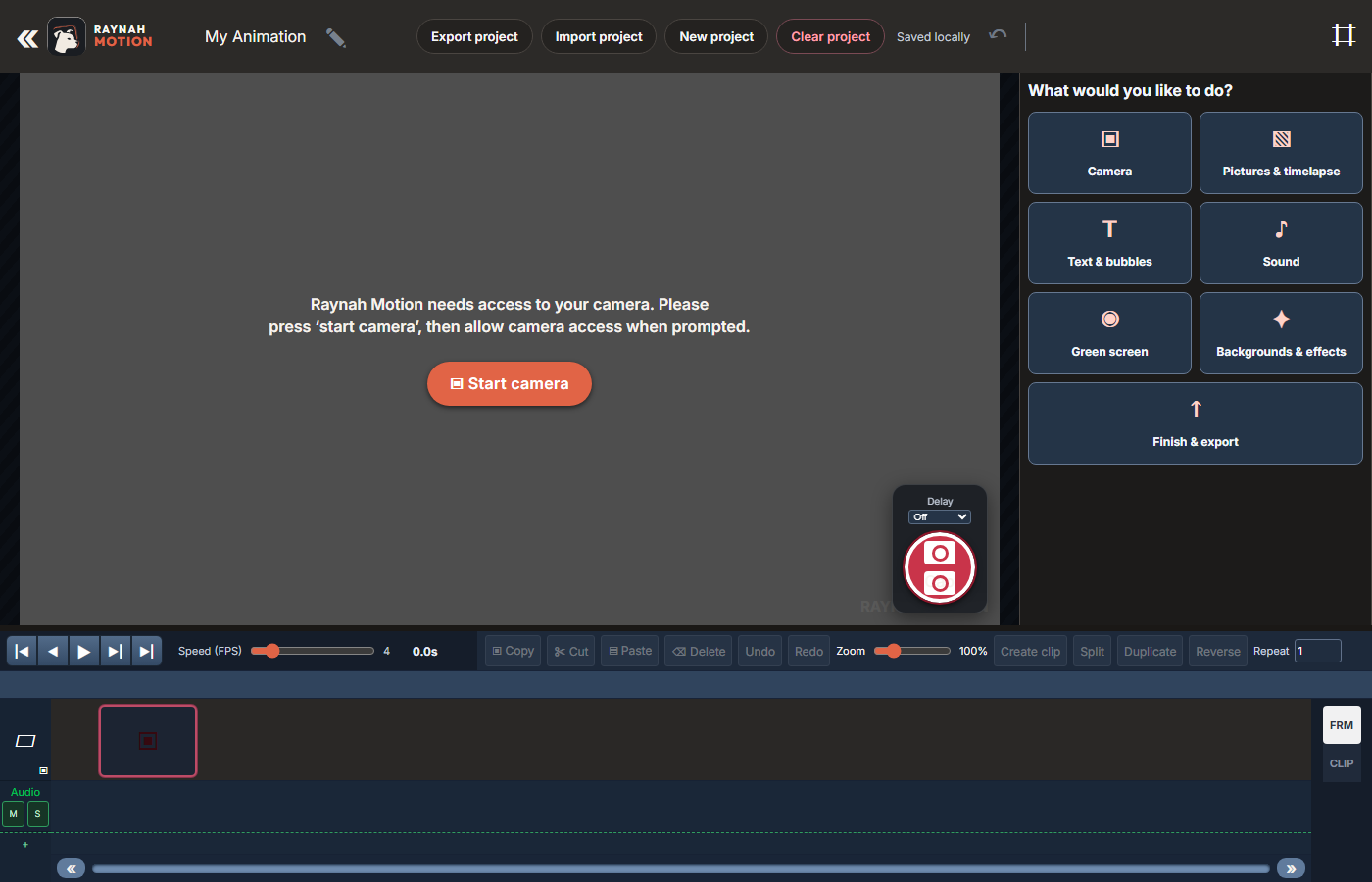
Capture webcam frames, use onion skinning to compare shots, and adjust playback speed in a browser-based studio. Add audio and effects, then export the animation as an MP4. The App Guide explains saving, reopening and moving projects.

  • Webcam frame capture
  • Onion-skin overlays
  • Audio and effects
  • MP4 export
Raynah Motion studio showing its project toolbar, camera tools and animation timeline
The Raynah studio and animation timeline.

School administration · Staff scheduling

Charlotte Timetabling

Teacher aide timetabling and duty scheduling.

Arrange teacher aide support and playground duties with a drag-and-drop weekly timetable. Assign staff to classroom support and duty periods, manage rosters, and export weekly schedules. The timetable brings these assignments into one view.

  • Weekly timetable
  • Classroom support assignments
  • Duties and rosters
  • Schedule exports
Charlotte Timetabling: class allocations and teacher aide rosters
See the Charlotte demonstration in the App Guide.

English · Reading comprehension

Comprehension Challenge

Reading comprehension across three strands and levels.

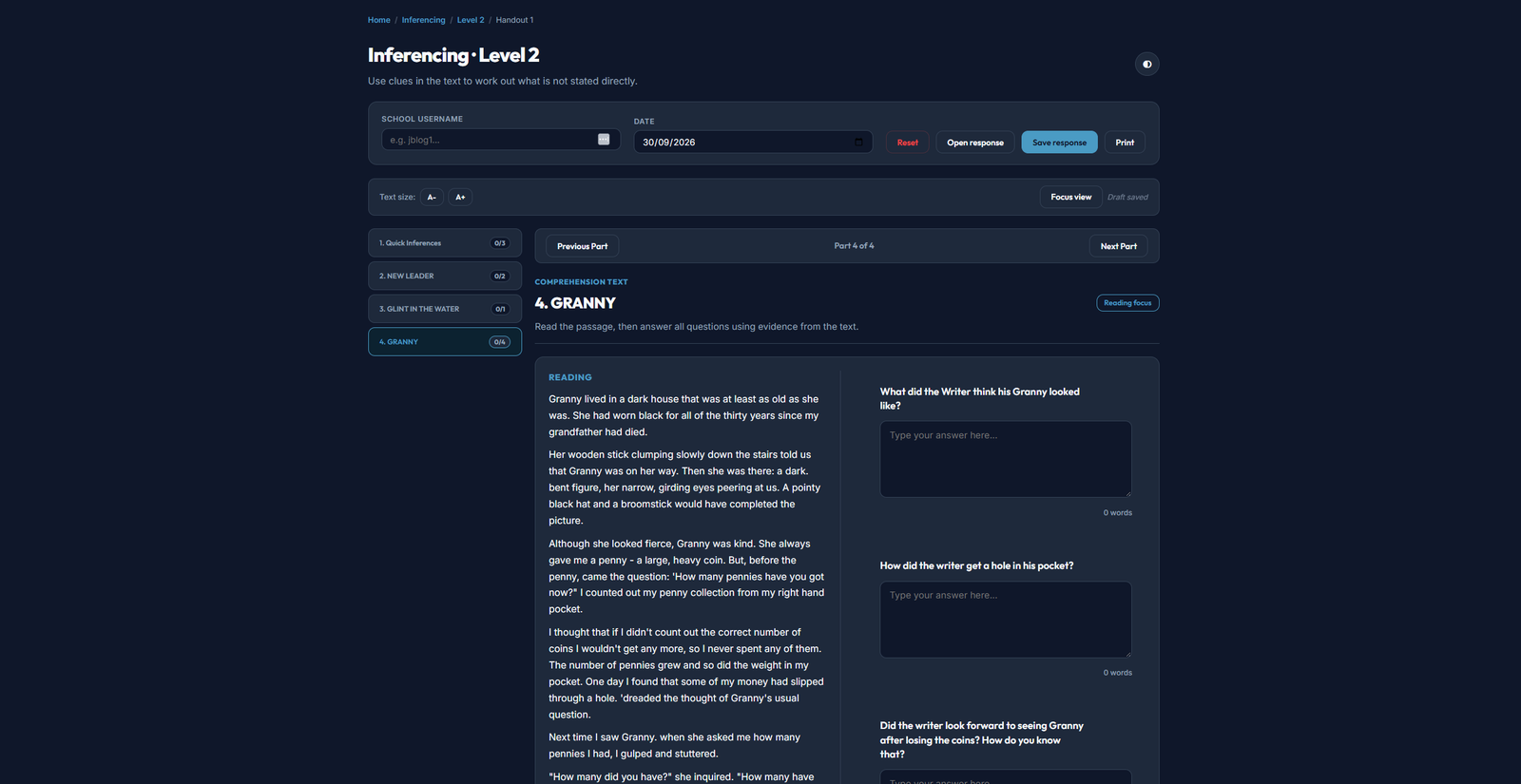
Read passages and work through inferencing, evaluation and reorganisation at Levels 1–3. Students answer questions and explain their responses, with drafts saved on the current device. Completed responses can be downloaded for teacher collection.

  • Three comprehension strands
  • Levels 1–3
  • Written responses
  • Response-file downloads
Comprehension Challenge inferencing activity at Level 2, showing a reading passage beside written response fields
A Level 2 inferencing activity. Select the image to view it at full size.

Teaching resource library

Content for classroom reading, research and discussion.

Amazon Field Guide

Magazine-style research articles about Amazon wildlife and the threats they face, including deforestation, mining and poaching.

Explore the field guide

Natural Disaster Archives

Explore cyclones, floods, bushfires and earthquakes through science, case studies and human impact.

Explore the archives

Lessons & classroom activities

Choose something students work through themselves, or a lesson you lead on the classroom screen.

Student activities

Students read, respond, sort, solve or play on their own device.

Reading Labs

Annotate model texts, complete craft checks and write independent responses.

Browse reading labs

Area & Perimeter

Explore geometry through interactive lessons, puzzles and practice.

Explore geometry

Teacher presentations

Teachers lead from the screen, with drawing or annotation tools where available.

Lesson Presentations

Classroom decks covering fractions, vocabulary, writing craft and critical reading.

Browse presentations